Android Platform
    |
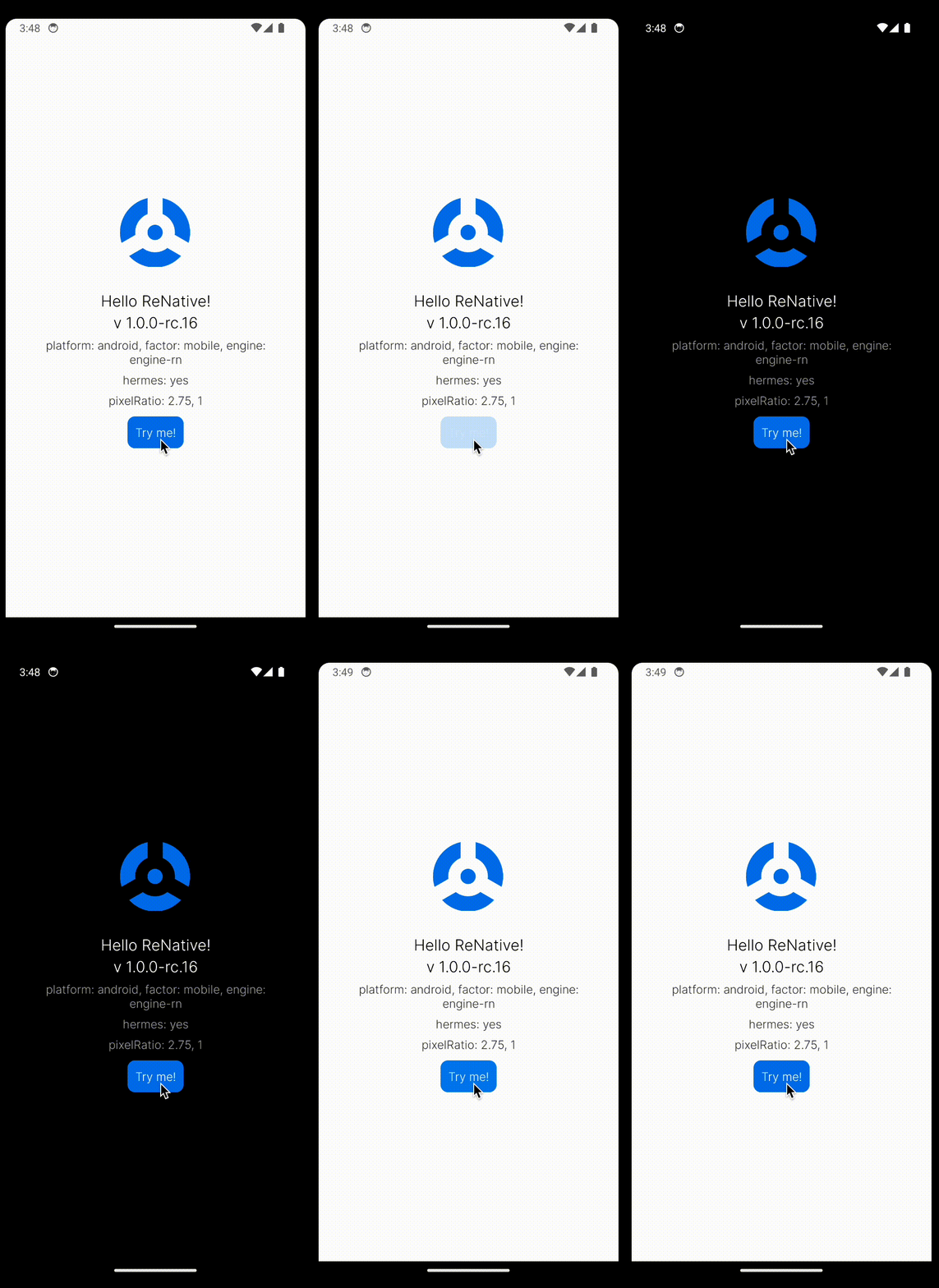
- Latest Android project
- Kotlin Support
- Support for Gradle 4.9
File Extension Support
Extenstions are defined via engines. Engines with android support:
Requirements
- Android Studio for Android development
- Android SDK
23.0.1or newer for Android development - Windows 10 Pro or a better variant if you want to start the emulator on a Windows machine. Windows Home or Educational do not support Hyper-V and that's required for starting the Android emulators
Project Configuration
| Feature | Version |
|---|---|
| Gradle | 4.10.1 |
| Android Gradle | 3.3.1 |
| Kotlin | 1.3.20 |
| Target SDK | 27 |
Emulators
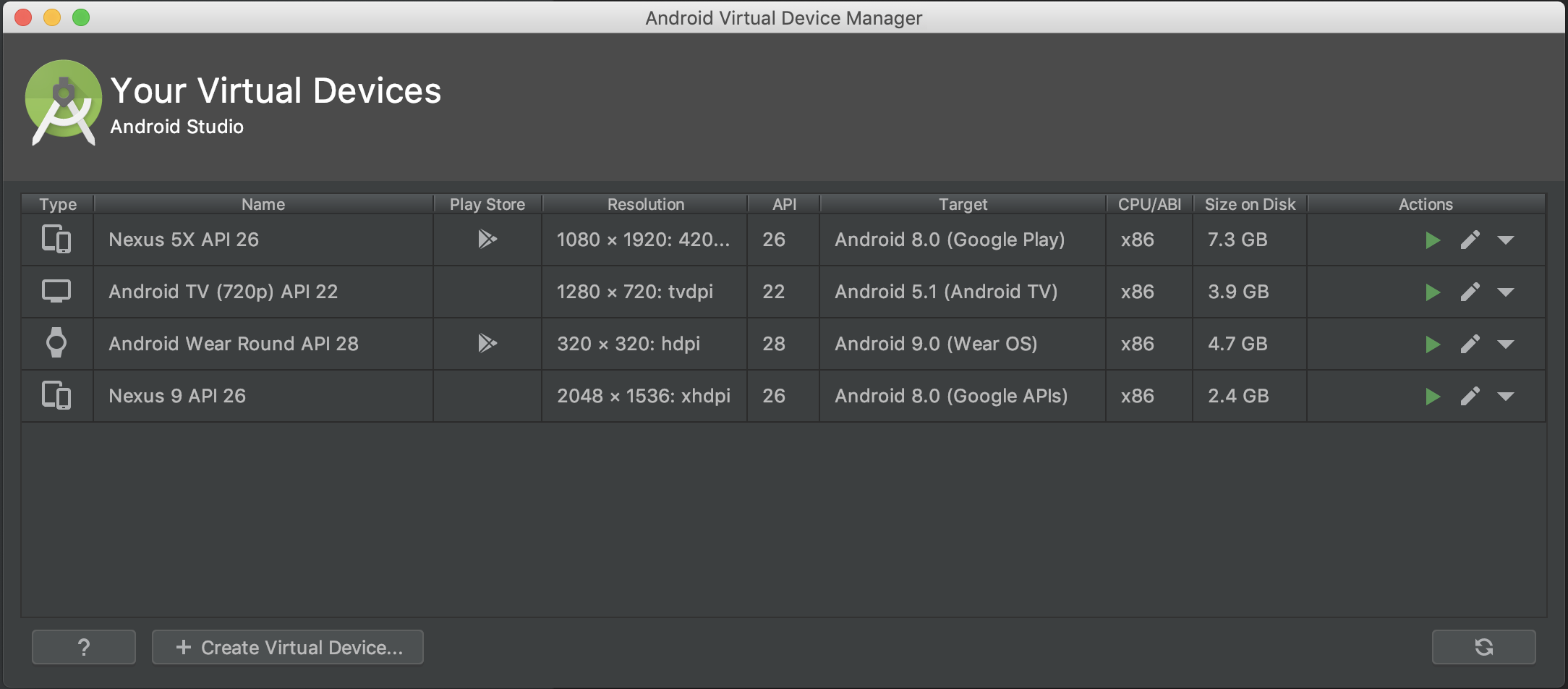
You can create variety of emulators via Android Studio IDE
 |
|---|
Run on Simulator
rnv run -p android
Run on Device
rnv run -p android -d
Deploy on Device
This will run production version on your device (not connected to metro bundler)
You can configure each buildScheme ie -s release in your config file ./appConfigs/<YOUR_APP_CONFIG>/renative.json
rnv run -p android -s release -d
Android X support
androidX is enabled by default
make sure you have this piece of script in package.json
"scripts" : {
  "postinstall": "jetify"
}
Hermes support
Hermes can be enabled or disabled with "reactNativeEngine": "hermes" prop in renative.json:platforms.android.reactNativeEngine
or renative.json:platforms.android.buildSchemes.[SCHEME].reactNativeEngine
Advanced
Clean and Re-build platform project
rnv run -p android -r
Launch specific android emulator:
rnv target launch -p android -t Nexus_5X_API_26
Launch app with specific iOS simulator (let ReNative to give you the list of available options):
rnv run -p android -t ?
Launch specific emulator :
rnv target launch -p android -t Nexus_5X_API_26
Launch specific emulator (let ReNative to give you the list of available options):
rnv target launch -p android -t ?
Get list of all available devices
rnv target list -p android
Get device/simulator logs
rnv log -p android
Get device/simulator logs with filter
rnv log -p android -f com.myapp